Emergency Alert Bracelet in Review: The Most Common Mistakes Families Make – and How to Avoid Them

An emergency call bracelet is not an everyday purchase. It's not about a technical gadget, but about safety, independence, and the comforting feeling of not being alone in an emergency. It's increasingly common for families to buy an emergency call bracelet – only to realize after a few days that they've overlooked something. The result: frustration for relatives and rejection from the people who need it.
To prevent this from happening to you, in this article we show you the most common mistakes when buying an emergency call bracelet – and how you can easily avoid them. We also provide helpful practical tips.
Error 1: "The smartphone is enough."
Many relatives assume that a mobile phone is perfectly sufficient as an emergency call device. In reality, this is the biggest misconception. Smartphones are left in the living room, in a jacket, are out of battery, or cannot be found in time in an emergency.
An emergency call bracelet is always where it needs to be – on the wrist.
One press of a button is enough, and help is on its way. Without apps, without unlocking, without a menu.
Don't rely solely on your smartphone as an emergency call device. A reliable emergency wristband like Gardia is always ready at hand on your wrist and ready for use when needed. Make sure the wristband is worn correctly, regularly charged, and that the emergency contacts are up-to-date. This way, you ensure that help arrives quickly and reliably in an emergency – without detours through apps or menus.
Error 2: Fall detection is underestimated (or overestimated)
Many families believe that fall detection "detects everything anyway" – or they consider it unnecessary. Both can be problematic. Good fall detection is a crucial factor, as many emergencies happen suddenly and silently.
However, not all fall detection works with the same reliability.
Modern systems like the Gardia emergency bracelet analyze movement patterns, acceleration, and impact. It is important that false alarms can be canceled – without stress.
Don't blindly rely on every fall detection system. Look for a system that reliably detects falls, intelligently analyzes movement patterns, and makes false alarms easy to cancel. Check the settings and sensitivity of the detection in advance so that help arrives quickly in an emergency – without unnecessary panic or false alarms. This way, you can make optimal use of fall detection and remain in control at all times.
Mistake 3: "I don't need that, I'm still fit."
People often reject emergency bracelets – out of pride, insecurity, or a false sense of duty. The biggest mistake: associating safety with "being old."
A good emergency bracelet is not a care product but an everyday helper. It doesn't protect because someone is old, but because anyone can fall, get injured, or suddenly feel unwell.
Don't focus on the danger, but on the freedom: "With the bracelet, you can go for a walk alone again without us worrying." An emergency call bracelet provides security without restricting independence – it supports self-determination and quality of life in everyday situations.
Error 4: Emergency call not set up
Many emergency call bracelets end up unused in a drawer – not because they are bad, but because the emergency contacts were never properly set up.
For an emergency call system to function reliably, it must be clear:
- Who is called first?
- Who responds at night?
- May the control center directly contact emergency services?
- Where is an apartment key located?
Set up the emergency wristband immediately after unpacking. Clearly define who will be contacted in an emergency. Also, deposit a spare key to your home so that help can quickly enter the house. Only then will the emergency call system be reliably ready for use when it is really needed.
Now get security on your wrist
The Gardia emergency wristband provides protection in everyday life, on the go, and at home – with automatic fall detection, 24/7 emergency calls, and true mobility. For more freedom and fewer worries.

Error 5: Wrong model selected (no water protection, no battery power, no loudspeaker)
Many inexpensive models cut corners in precisely the wrong areas.
In an emergency, what counts is:
-
Water resistance for bath & shower
-
Long battery life (at least 10–20 days)
-
Two-way voice function
-
Robust construction
-
Clear emergency call button
A device that runs out of power after two days won't be worn.
Read reviews, check real-world battery life, and look for modern design.
Error 6: Data protection is not taken seriously
Many providers collect unnecessary data or continuously transmit location. Seniors want security – not surveillance. Ensure that GPS is only activated in an emergency and that GDPR-compliant processes are adhered to.
Ensure that GPS is only activated in emergencies and that personal data is processed in compliance with GDPR. Carefully check what data is stored, where the servers are located, and who has access to the information. This way, you can enjoy security without compromising your privacy.
Error 7: The wristband is not tried on together
Many seniors lose confidence in technology if they don't know what will happen in an emergency.
A simple exercise is enough:
- Press emergency call button
- Talk to control centre or relative
- Cancel alarm
- Feel feedback (vibration/sound)
After 30 seconds it becomes clear:
"I can do this. It's easy."
Try out the wristband together. Press the emergency call button, have a short conversation with the control centre or relatives, cancel the alarm, and feel the feedback via vibration or sound. After a few seconds, it becomes clear: "I can do this. It's easy." This is how seniors build confidence and know exactly how to act in an emergency.
Mistake 8: Costs are incorrectly estimated
Many don't know:
From care level 1, the monthly costs can be partially or completely covered by the long-term care insurance fund.
A good emergency call wristband is not a luxury product, but a contribution to safety – often more affordable than you think.
How to avoid this error:
Find out about possible cost coverage options early on. From care level 1, monthly costs can be partially or even fully covered. This makes it clear: a good emergency call bracelet is not a luxury, but an affordable contribution to your own safety.
Error 9: Expectations are unrealistic
An emergency wristband does not replace a caregiver, monitoring, or 24/7 care. However, it is an extremely important tool:
- It alerts in seconds
- It connects immediately with trusted people
- It provides security in moments when no one else would be there
How to avoid this error:
Set Realistic Expectations: An emergency call wristband doesn't replace a caregiver or 24/7 supervision, but it does offer a crucial safety net. It raises an alarm in seconds, connects immediately with trusted individuals, and provides security precisely when no one else would be there. This is how you can use the wristband optimally without disappointment.

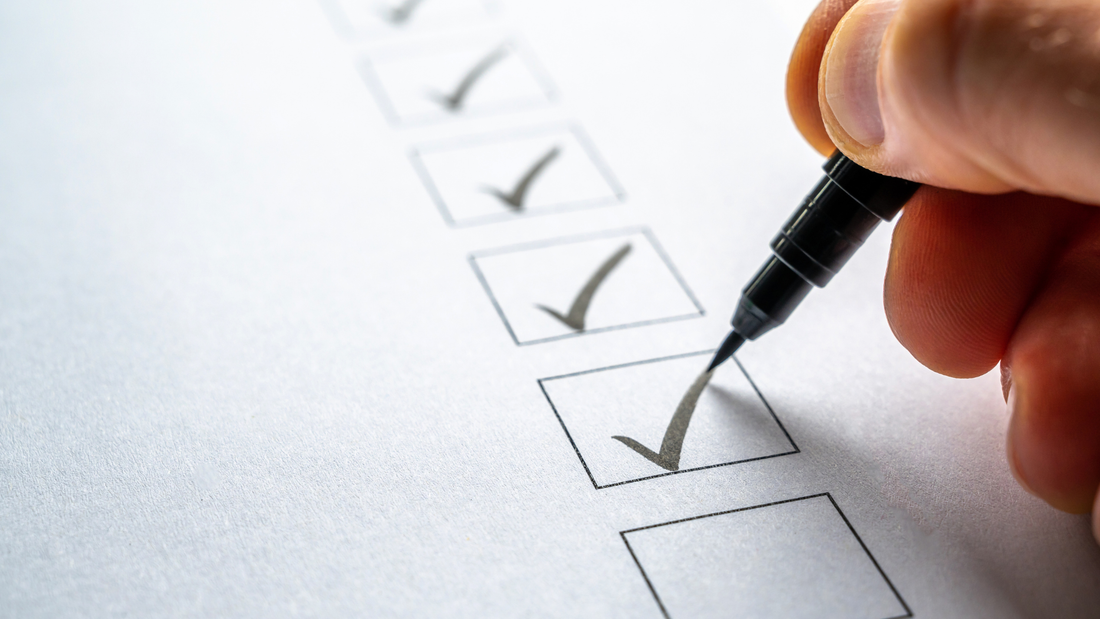
What really matters in a good emergency bracelet:
-
Large emergency call button (easily accessible even with limited motor skills)
-
Automatic fall detection
-
Two-way communication with control centre/relatives
-
Long battery life (at least 10–20 days)
-
Water resistance (at least IP67)
-
Individual emergency call chain
-
Senior-friendly design – discreet instead of stigmatising
-
GDPR-compliant data processing
- App access for relatives
FAQ/ Frequently Asked Questions
Why do I need an emergency wristband?
In an emergency, a smartphone is often not at hand, cannot be found, or cannot be operated. An emergency wristband is worn directly on the wrist and can be triggered even when motor skills, strength, or consciousness are impaired. Modern systems automatically detect falls – a cell phone does not.
Does fall detection work reliably?
Yes – but not every system works equally well.
High-quality wristbands use multi-dimensional sensors, early warnings, and intelligent algorithms that distinguish real falls from everyday situations. Accuracy can vary greatly between manufacturers.
What really happens when you call emergency services?
After being triggered, the wristband either connects:
- directly to a 24/7 emergency call center
- or automatically informs the stored contact chain (family, neighbors, caregivers)
Many devices enable a two-way voice connection, so seniors receive immediate feedback.
Do I have to take out a subscription – and why?
Subscriptions usually cover:
- Emergency call center
- SIM card / eSIM
- Server operation
- Maintenance & software updates
- Device replacement in case of service
An emergency call without a subscription usually only works to a limited extent, as no professional control center is connected.
Is there a cost coverage by the long-term care insurance?
Yes, in part.
From care level 1 onwards, many care insurance funds cover the costs of traditional home emergency call systems. Whether mobile emergency wristbands are reimbursed depends on the provider and the individual situation. However, applying is always a good idea.